Introducing CoreBookings by KRIYA. Same team. More power. Learn more →
View Categories

How to limit class capacity

CoreBookings controls how many clients can book a class in two ways: set a default Capacity on each room, or override capacity for one class session from the class detail page.

Before you set capacity #

Every class runs in a room. The room capacity is the default limit for all classes in that room. You can lower or raise capacity for a single class when needed.

On the class detail page, the booking badge shows {booked} / {capacity} booked. When the class is full, new online bookings are blocked unless you have a waiting list enabled.

Set capacity on a room #

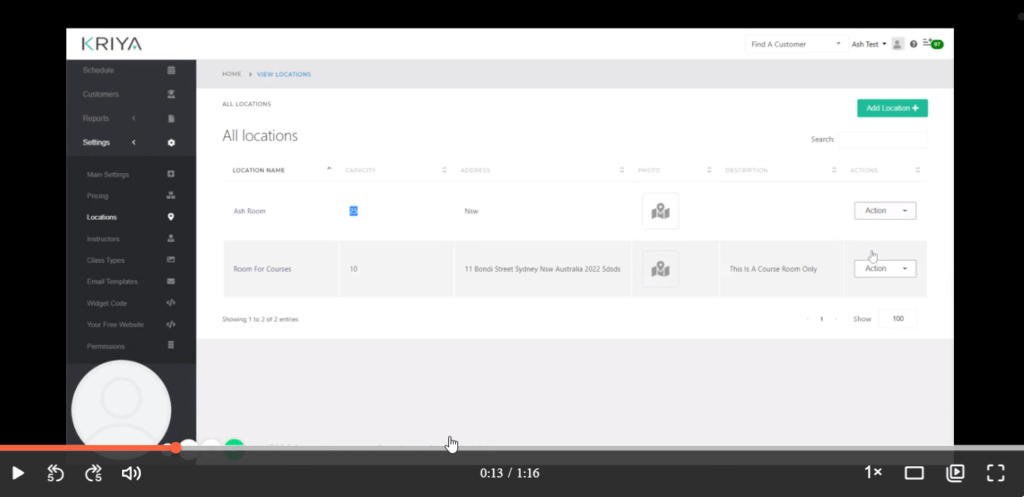
Where: Settings → Location → Rooms (single location)

  1. Click Settings in the left sidebar, then open Location.
  2. Under Rooms (single location), click Edit on the room you want to change.
  3. Enter a number in the Capacity field.
  4. Click Save.

New classes scheduled in that room inherit this capacity automatically. Existing classes keep their current capacity until you change them.

CoreBookings Edit room dialog showing the Capacity field
Set the default capacity on each room under Location settings

Override capacity for one class #

Where: Class Schedule → open a class → Class Schedule Detail

  1. Open Class Schedule and click the class you want to change.
  2. On the Class Schedule Detail page, click the pencil icon labelled Edit capacity.
  3. In the Edit capacity — this class only dialog, enter a value between 1 and 1000 in the Capacity field.
  4. Click Save.

This override applies only to the selected class session. Other classes in the same room keep the room default unless you change them too.

CoreBookings Edit capacity dialog for a single class session
Override capacity for one class from the class detail page

How room and class capacity work together #

  • Room capacity is the default for every class in that room.
  • Class capacity overrides the room default for one session only.
  • If you change room capacity, existing classes are not updated automatically. Edit each class if you need them to match.
  • When a class reaches capacity, the {booked} / {capacity} booked badge reflects the limit clients see when booking online.

For a full explanation of how these limits interact with bookings and waiting lists, see How does room and class capacity work?

Related help #