Introducing CoreBookings by KRIYA. Same team. More power. Learn more →
View Categories

How to See a Client's Previous Visits

Yes. CoreBookings shows each client's visit count and full booking history on their client profile. You no longer need a separate history button — everything is under the History section.

Open the client profile #

  1. Go to Clients in the dashboard sidebar.
  2. Search by name or email in the clients table, or use the Find a client search at the top of the dashboard.
  3. Click the client's name to open their profile.

Visit summary at a glance #

At the top of the profile, badges show key visit stats:

  • Visits — total attended classes (checked in or marked present)
  • First Visit and Last Visit — dates of their earliest and most recent attendance
  • Joined — when the client profile was created

The visit count only includes classes where the client was marked present or checked in. Upcoming bookings and no-shows are not counted as visits.

CoreBookings client profile showing Visits and Last Visit badges
Visit summary badges on the client profile header

View booking history #

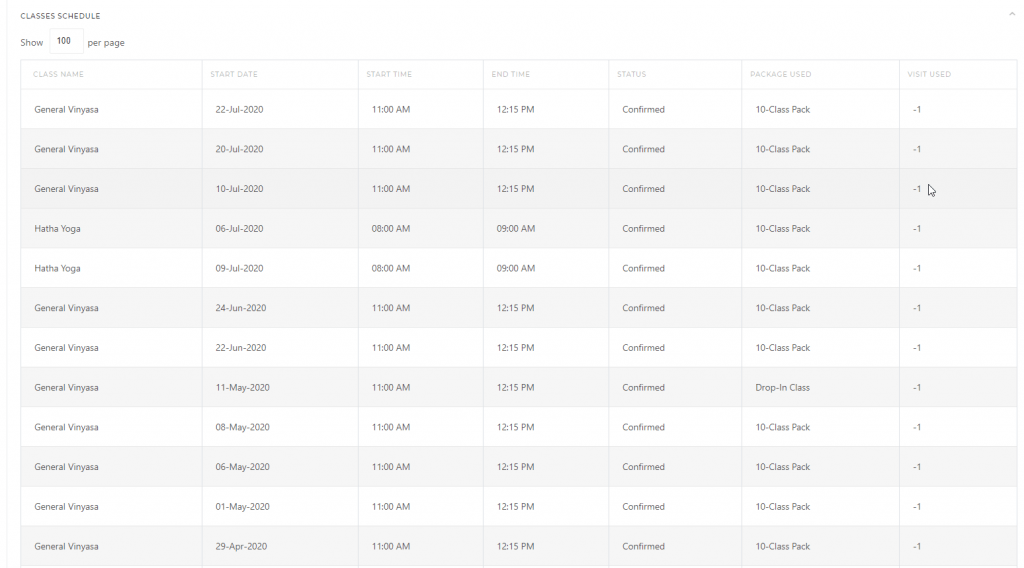
Scroll to the History section at the bottom of the profile and click Show. Open the Bookings tab to see every class the client has booked.

The table lists:

  • Date and time of the class
  • Class name (click to open the class in Schedules)
  • Location
  • Paid With (pass or payment method used)
  • Status (confirmed, cancelled, attended, and so on)
CoreBookings client profile Booking History tab
Booking History lists past and upcoming classes for the client

Activity and payments #

The same History section has two more tabs:

  • Activity — timeline of profile events (bookings, pass purchases, check-ins, and more). Use Load more if there is a long history.
  • Payments — purchases, pass sales, and membership charges with date, amount, and status.

When collapsed, History shows a quick summary (for example, “10 activity events · 4 payments · 3 bookings”) so you can see whether detail is available before expanding.

Related help #