Introducing CoreBookings by KRIYA. Same team. More power. Learn more →
View Categories

How to modify class names on the Schedule?

To modify the names of classes that are already on your schedule is a two-step process:

  1. First modify the name on the Class Type (Settings > Class Types
  2. Edit and update the class on the schedule (Schedule > Edit Class).

Edit Class Type #
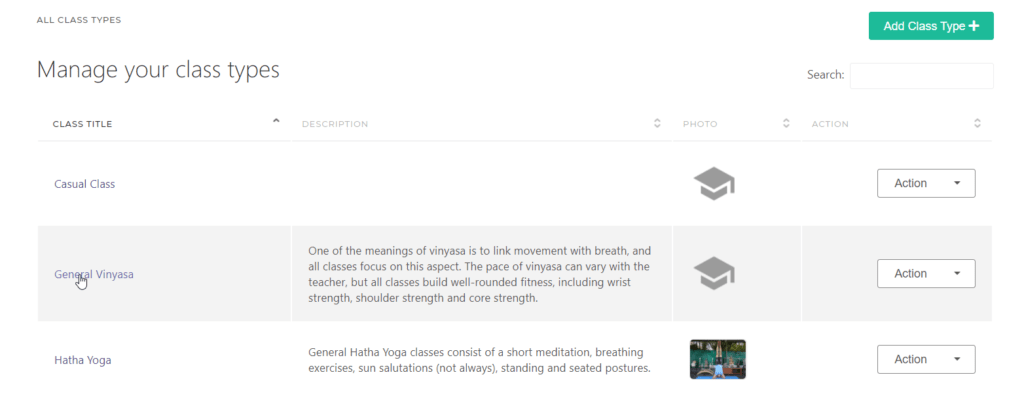
Edit Class Types - KRIYA Software
Edit Class Types – KRIYA Software

Edit the Class #

Select the class to Edit
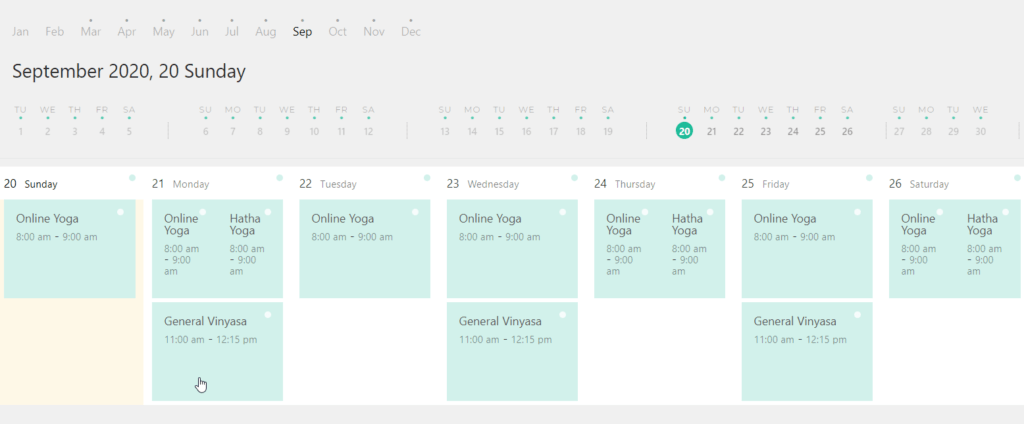
Classes Schedule - KRIYA Software
Classes Schedule – KRIYA Software

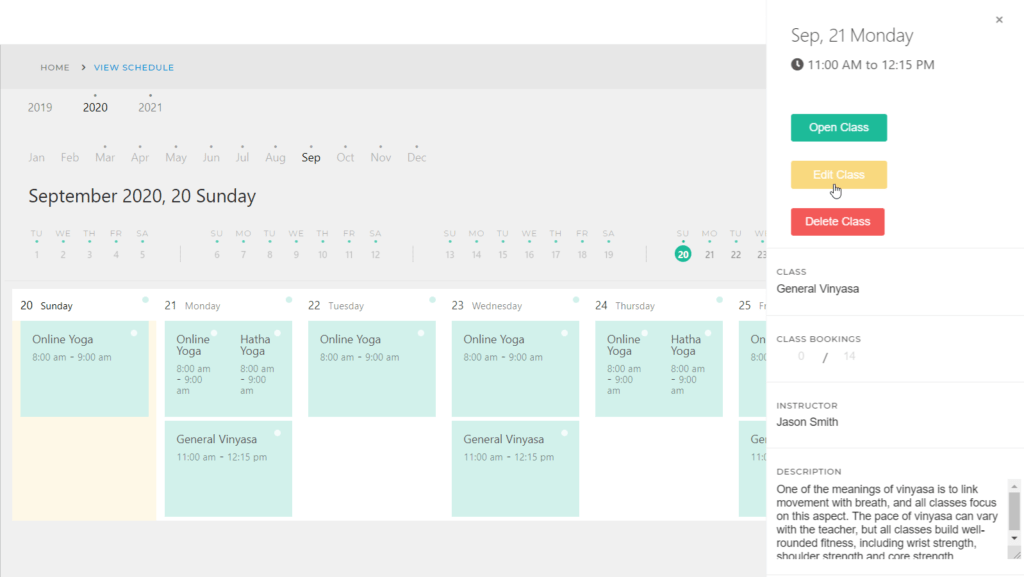
Click on the class and select Edit

Edit Class Classes Schedule - KRIYA Software
Edit Class > Classes Schedule – KRIYA Software

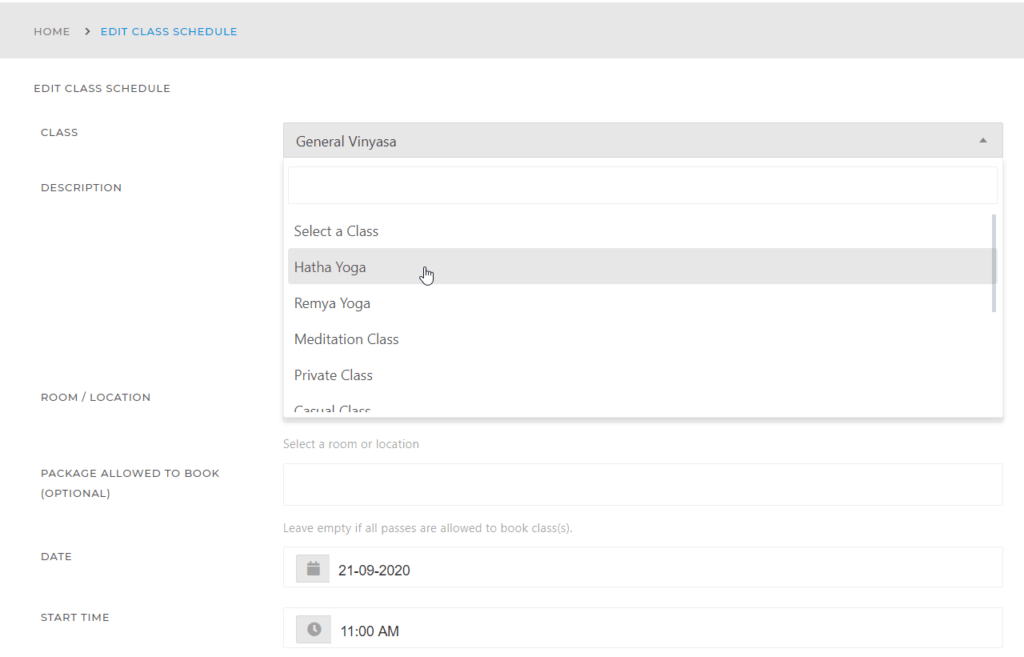
Select the new Class Type name

Select New Class Type Name -Kriya Software

Select to apply class name updates to All Classes or to Future Classes
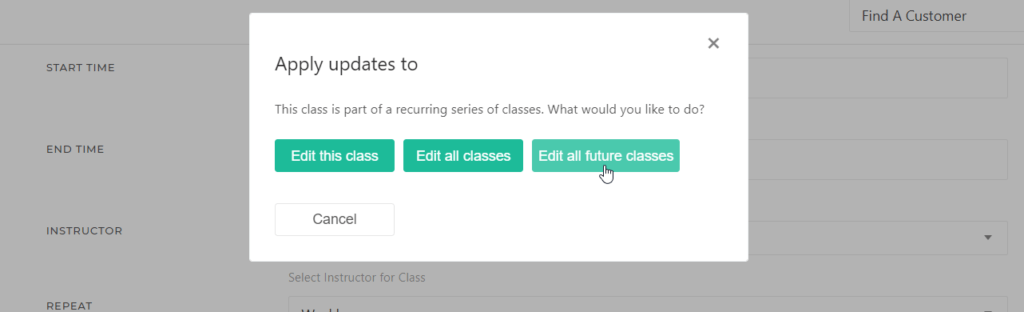
Apply Class Updates to Future Classes