
You can export your clients from MindBody Online (MBO) and our team will import them into CoreBookings. There is no self-serve import in the studio dashboard. Client data migration is free on all plans.
Short answer #
- Be on a paid CoreBookings subscription with your passes created under Settings → Passes.
- Export the MindBody reports below (client details and visits remaining).
- Email the files to support@kriya.com.au at least 3 working days before you need the import live.
What we import #
From your MindBody export we typically import:
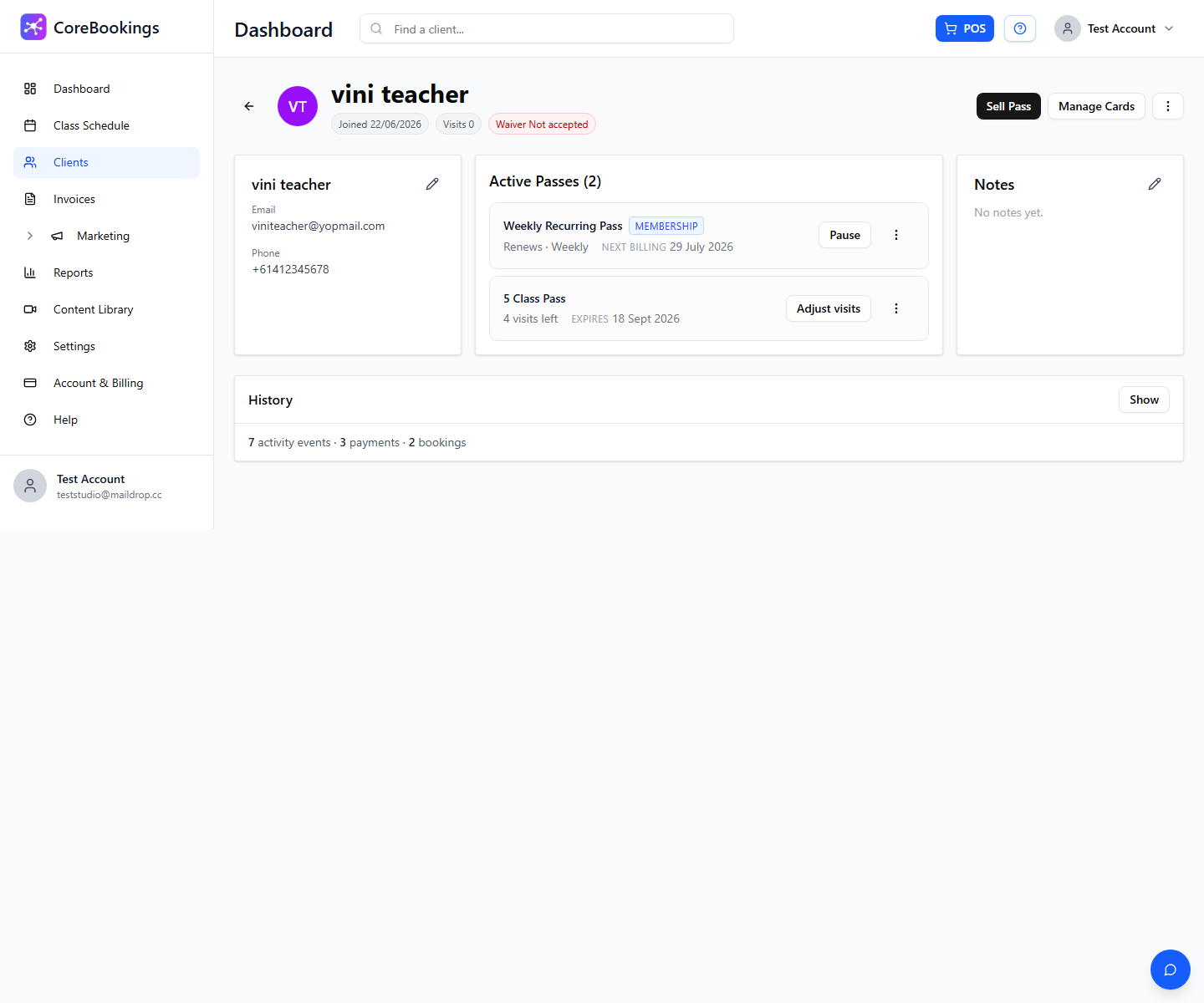
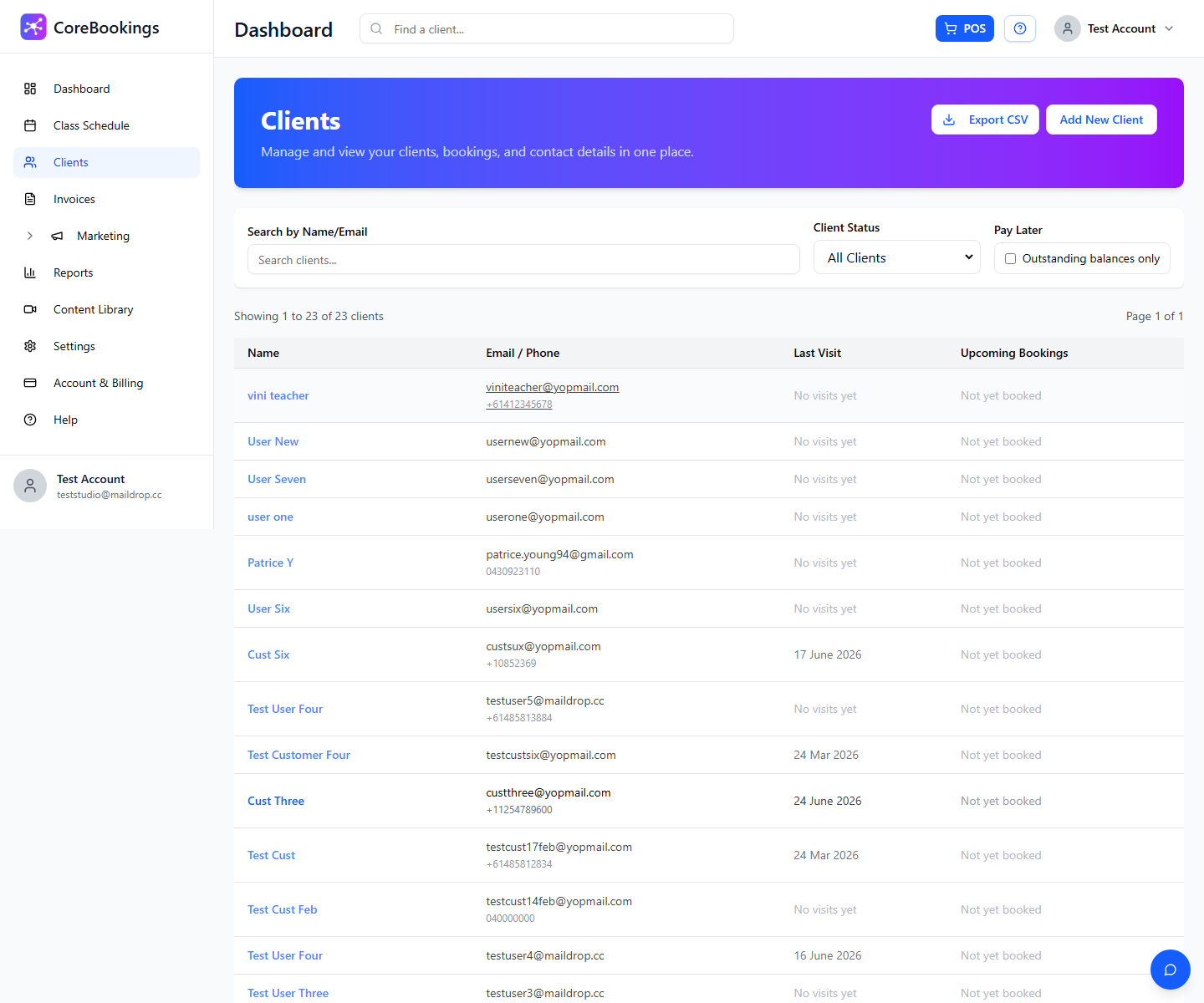
- Client details — name, email, and other contact fields you provide
- Active pass balances — matching pass name, visits remaining, and expiry where available
Past class attendance and future MindBody bookings are not usually imported. Set up your CoreBookings class schedule, then clients book upcoming classes in CoreBookings.
Which MindBody reports to export #
MindBody does not provide one report with everything. Use a combination of these:
- Visits Remaining — best source for prepaid / limited-visit balances (count series). Prefer this when available.
- If you cannot get Visits Remaining, use:
- Mailing Lists — client contact details
- Last Visit — last visit, which pass was used, and sessions remaining
Optional context (not always imported as history):
- Schedule at a Glance — can help us understand recent attendance patterns, but class history is not usually migrated row-by-row
Some MindBody reports depend on your MBO package. If a report is missing, export what you can and tell support which reports you used.
Before you send the files #
- Create matching pass names in CoreBookings (Settings → Passes) so balances can be attached correctly
- Connect Stripe if you will take card payments
- You can go live and take new bookings while the import is prepared
How to send them #
- Email your MindBody export files to support@kriya.com.au.
- Include your studio name and the date you want the import live.
- Allow at least 3 working days.
Migration is free and included with all plans.
Related help #
- Migrating or importing from another booking system
- Getting started: set up your account
- Managing customers
- How to sell or give a pass to a client
Need help? Email support@kriya.com.au.


