
CoreBookings does not use a separate notification inbox with a Mark read button. Instead, reminders appear on your Dashboard home page under Alerts & Reminders. Dismiss an alert with the X on the right when you are done with it.
Short answer #
- Where: Dashboard > Alerts & Reminders
- Dismiss: Click the X on an alert to hide it. CoreBookings remembers dismissed alerts for your studio.
- Not the same as: Client booking emails or SMS. Those are managed under Settings > Notifications.
Where to find dashboard alerts #
- Sign in to the CoreBookings dashboard.
- Open Dashboard from the left menu.
- Scroll to the Alerts & Reminders card.
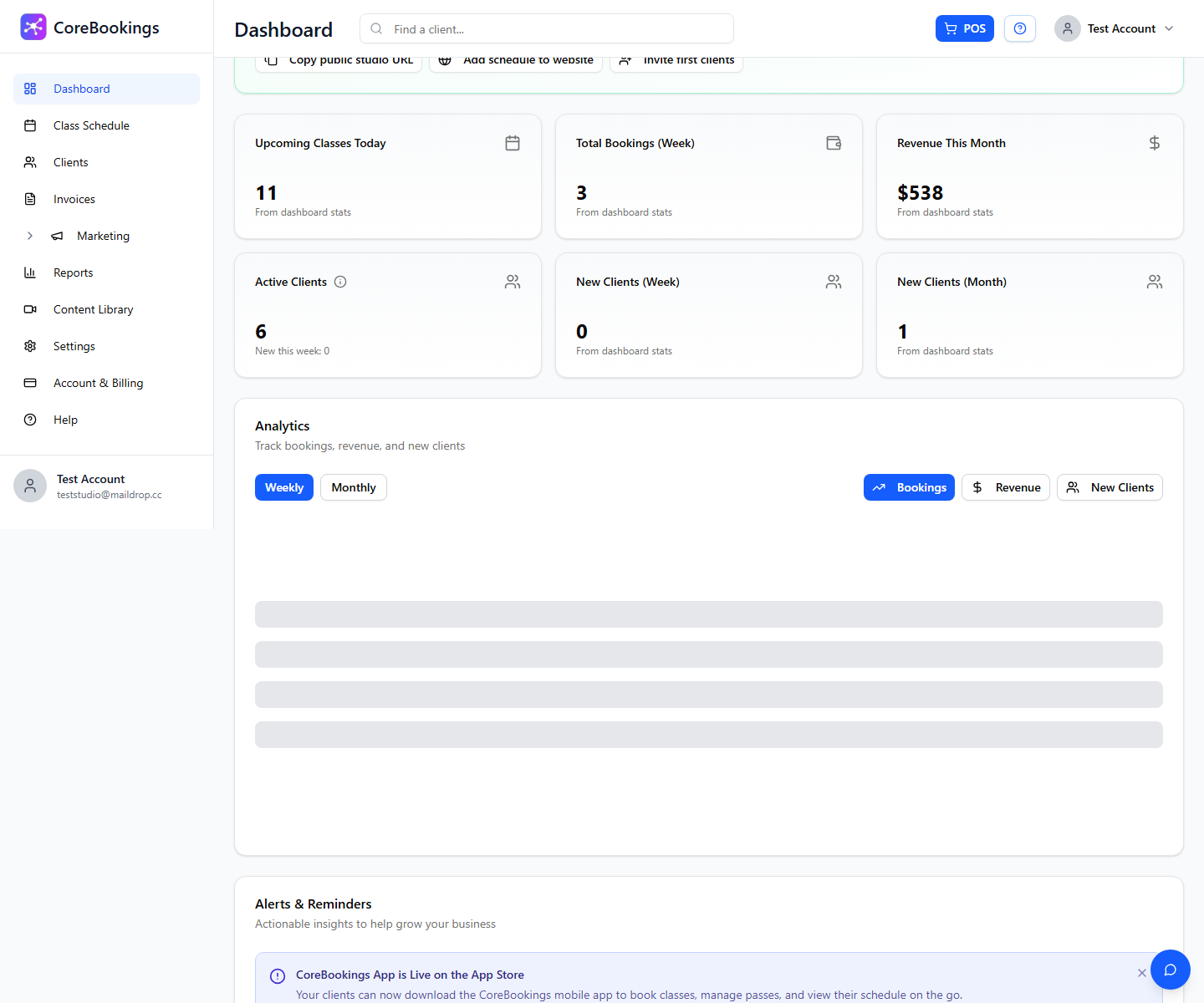
If there is nothing urgent to action, you may see All Good! No urgent alerts at this time.
Types of alerts you may see #
- Trial reminders: Tips during your free trial or a warning when your trial is ending soon.
- Announcements: Product updates or studio-wide messages from CoreBookings.
- Action buttons: Some alerts include a link (for example View Quick Start or View Subscription) to open the relevant page.
Setup tasks such as connecting Stripe or creating your first pass are tracked separately in the onboarding checklist on the Dashboard.
Dismiss an alert #
- Read the alert on the Dashboard.
- Click the X on the right side of the alert.
- The alert disappears immediately and stays hidden when you sign in again.
There is no Mark read list to reopen later. If you dismissed something by mistake and still need help, contact support with your studio name.
Alerts you cannot dismiss #
Some high-priority alerts (for example when your trial is ending in a few days) do not show an X. These stay visible until you take action, such as subscribing in Account > Subscription.
Dashboard alerts vs email notifications #
Dashboard alerts are on-screen reminders for studio staff. They are not a log of every client booking.
To control emails and SMS sent to clients (booking confirmations, reminders, cancellations), go to Settings > Notifications.
Related help #
Need help? Email support@kriya.com.au.


