Introducing CoreBookings by KRIYA. Same team. More power. Learn more →
View Categories

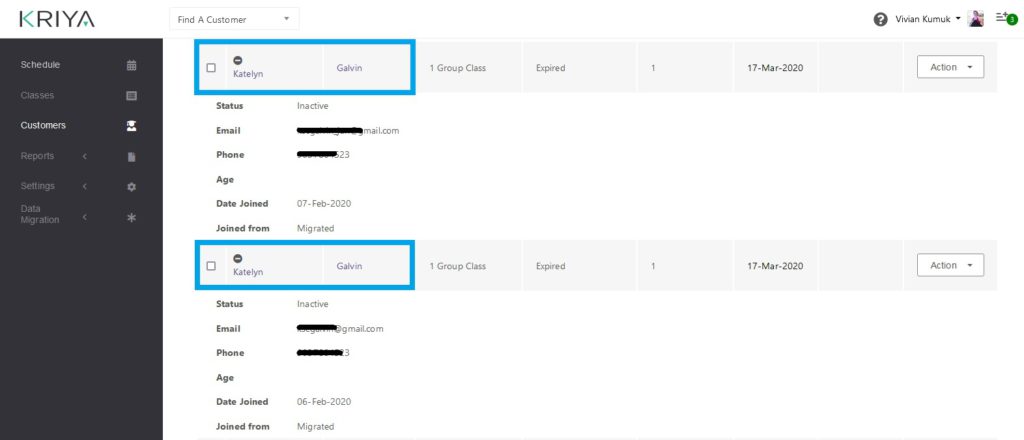
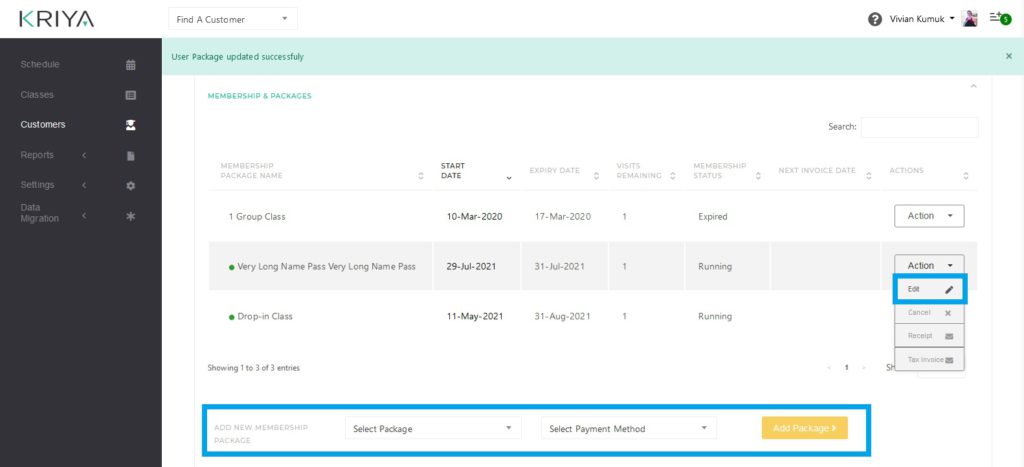
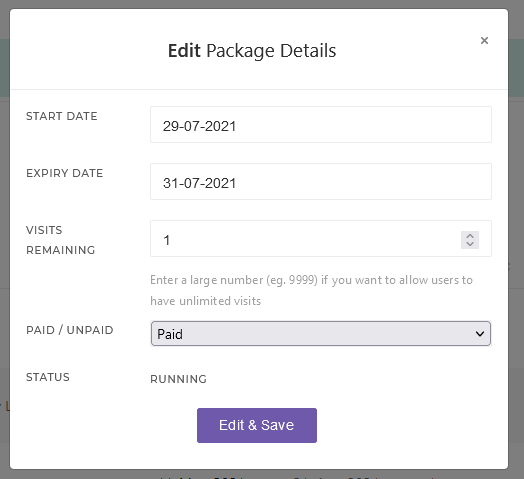
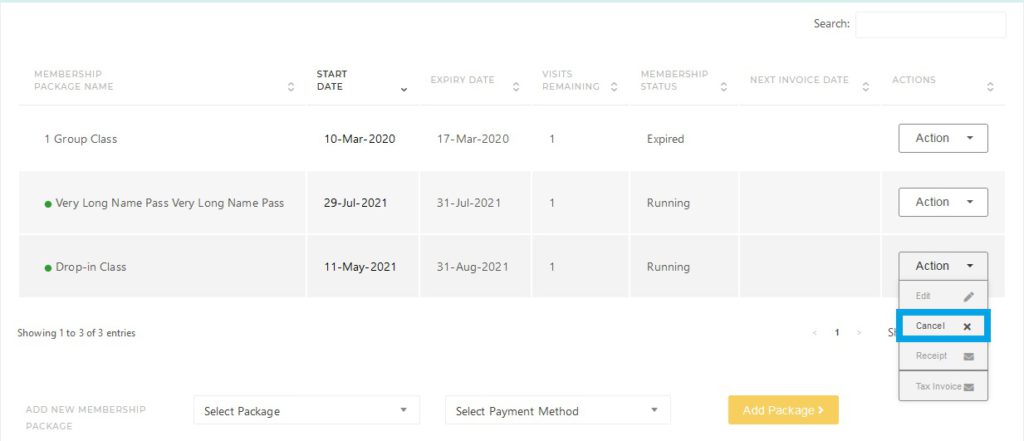
How to merge two customer accounts?

CoreBookings includes Resolve Duplicate Email on the client profile. Use it to merge duplicate client records when the same person has two accounts, for example a studio profile with a typo email and a self-signup profile with the correct email.

When you need to merge accounts #

Common situations:

  • Staff added a client with a typo email and sold a pass on that profile.
  • The client later signed up in the app with the correct email but sees no active pass.
  • Saving the correct email on the studio profile shows email already in use.

Do not create a third profile. Use Resolve Duplicate Email instead of manually moving passes and deleting accounts.

Choose which profile to keep #

Open the profile that has your studio history: passes, bookings, payments, and attendance. This is usually the profile with the typo email where you sold the pass.

Where: Clients → open the client profile

Use Resolve Duplicate Email #

  1. Open Clients and click the client profile with your studio history.
  2. Click the pencil icon to edit personal details.
  3. Either change Email to the correct address and click Save (if blocked, the dialog opens), or click Resolve duplicate email under the email field.
  4. In Resolve Duplicate Email, enter the client's correct email address.
  5. Click Resolve Duplicate.
CoreBookings client profile edit form showing Resolve duplicate email link
Resolve duplicate email is available while editing personal details
CoreBookings Resolve Duplicate Email dialog with Correct email address field
Enter the correct email and click Resolve Duplicate

What happens after resolve #

CoreBookings handles the merge automatically:

  • Email swap (most common): if the correct-email account is empty, CoreBookings moves the correct email onto the studio profile and archives the empty duplicate. Passes, bookings, payments, and attendance stay on the profile you opened.
  • Relink: if the correct-email account already has activity, CoreBookings links that account to your studio, moves this studio's passes, bookings, payments, and attendance onto it, then removes the typo profile from your client list. You are redirected to the profile with the correct email.
  • Already resolved: safe to run again with no duplicate changes.

After email swap: the pass stays on the profile you opened (now with the correct email). The client may need Forgot password on that email to log into the app.

After relink: the client keeps the password from self-signup. Ask them to refresh the app. The pass should appear on the correct-email account.

Resolve Duplicate does not:

  • merge into staff accounts (owner or instructor emails are blocked)
  • automatically copy staff notes from the typo profile on relink. Copy anything important before resolving if needed.

Who can use it #

Studio owners and admins only. Instructors can view client profiles but cannot run Resolve Duplicate.

The quick Add / Edit Client modal cannot merge duplicates. Open the full client profile and use Resolve Duplicate Email there.

When to contact support #

Contact support if:

  • Resolve Duplicate fails or shows an unexpected error
  • both profiles have significant history and you are unsure which to keep
  • the scenario involves multiple studios or unusual account links

Include both email addresses, the client name, and your studio name.

Related help #